Panopto - Student Submission Activity
Completion requirements
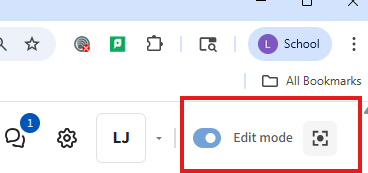
First Step - Turn Edit mode on, Button located at the top Right hand of the screen in Moodle.
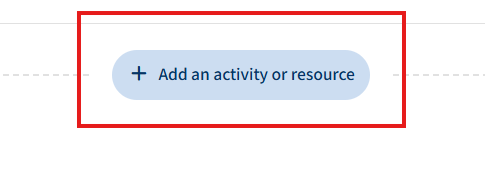
Step 2) Choose to Add an activity or resource to your course.
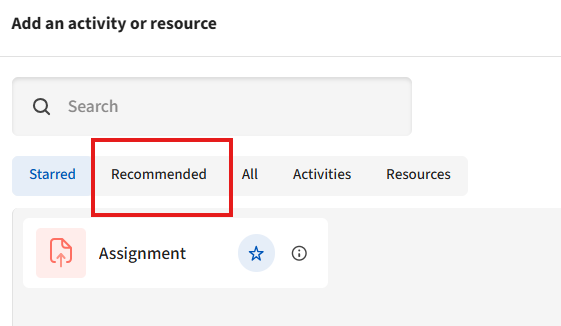
Step 3) Click on the Recommended Tab at the top of the window.
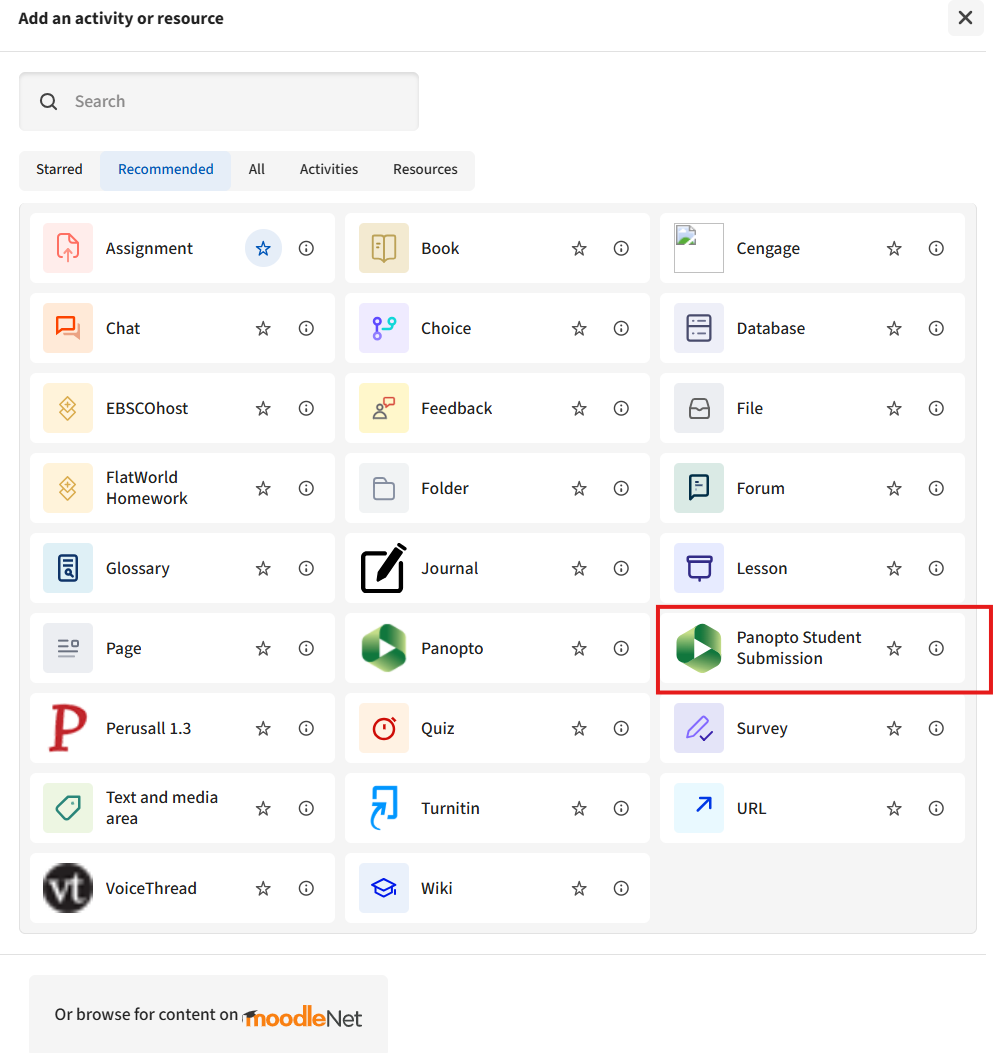
Step 4) Choose the Panopto Student Submission Button located mid way down on the right column.

Do not select the "Panopto" Button.
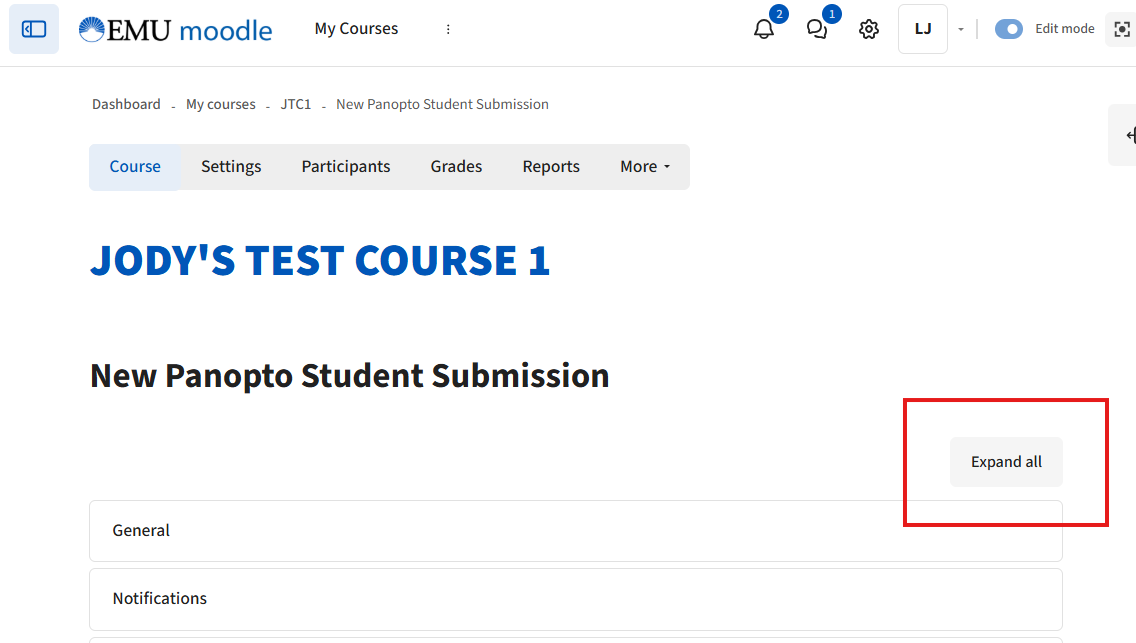
Step 5) Click on Expand All at the top right of the Window.
Step 6) Go through he options filling in the information you want for the submission like Name, Description of Assignment, Due dates etc...............
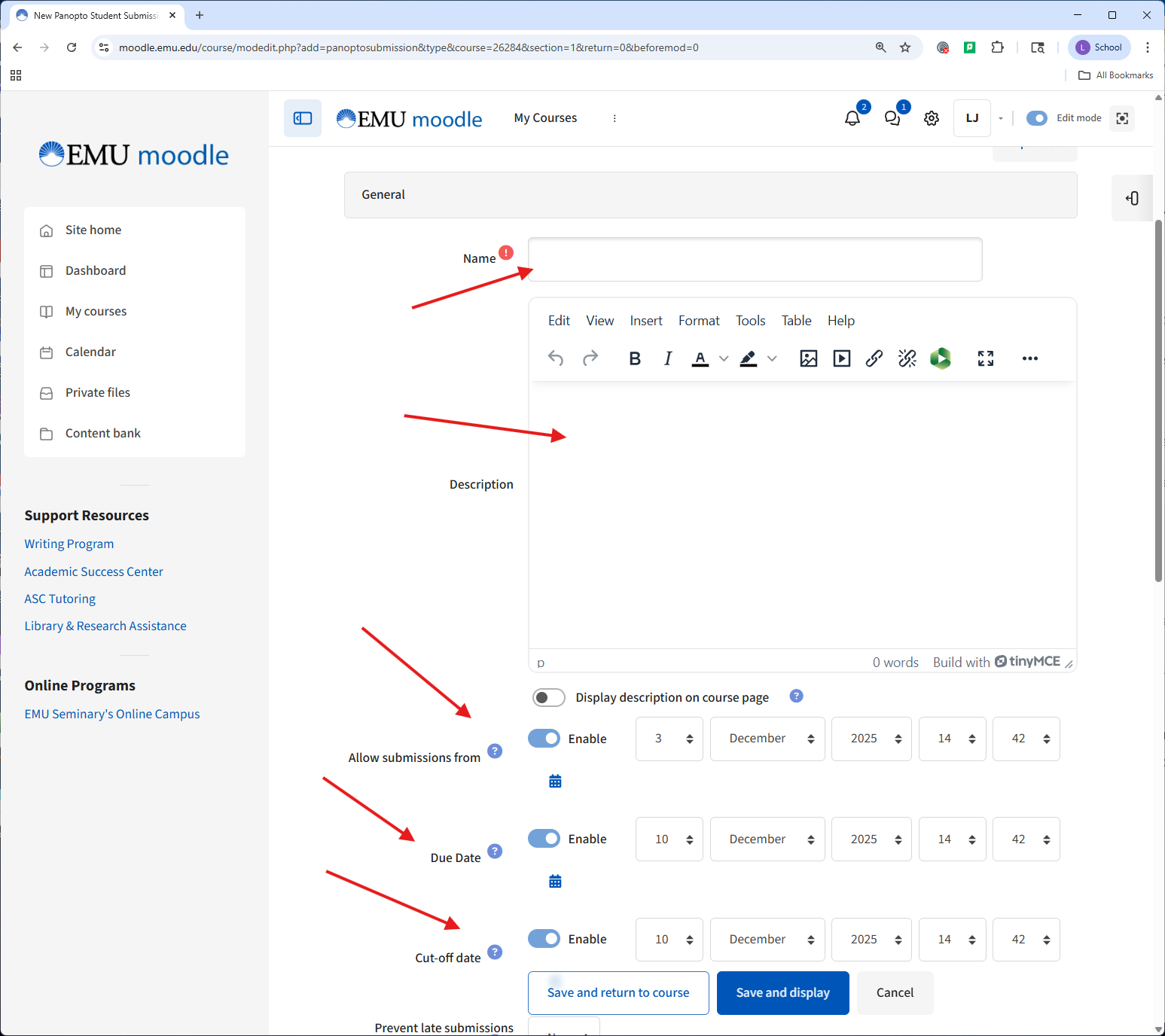
Final Step) Make sure you click on the "Save and Display" Button at the bottom of the page.
Last modified: Wednesday, February 18, 2026, 9:49 AM